Become a desired professional in the job market by mastering the #1 text editing tool in just 4 weeks...
No experience in Microsoft Word required, you will learn everything from absolute zero... This E-book is capable of making you Gain Prominence and Recognition in your company...
- Please make sure your sound is turned on!
Make your career take off!
With the growing number of computers in companies, the need to learn Word in order to get a good job is huge. Computer skills are increasingly required by companies to assess an employee’s qualification for a given position. Especially in the administrative sector, knowledge related to using Word is essential.
Beyond careers in private companies, public service exams for state-owned enterprises are becoming more demanding when it comes to this tool. It’s not enough to just know how to type. Formatting a document so it meets the needs of a project is important for professionals who want to stand out in their use of the tool.
It’s very likely that you’ll fall behind in the job market if you don’t know how to use Word. It’s one of the most important tools in today’s corporate computing environment. That’s why a good professional should, at the very least, have a solid understanding of how to use the program.
For many people, learning how to use Word is not an easy task. That’s why the Word Bible created a complete map of Microsoft Word so you can master the number one text-editing tool in just 4 weeks.
Have you ever wondered why some people find it so easy to learn how to use Word, while you’ve tried everything and still can’t learn—or can’t even create a single document?
You’ve probably already realized that reaching an advanced level with the tool isn’t as easy as it seems. Learning Word in a company’s day-to-day routine, dealing with professionals who know a few advanced functions but still get lost when solving problems— all of this greatly affects anyone trying to learn how to use Microsoft Word.
People end up watching countless random YouTube videos from different channels. In the end, this creates more confusion than clarity. Do you identify with this situation?
If that’s your case, what if I told you it’s possible to learn Word at an advanced level quickly, without needing to spend hours of your day studying—would you believe it?
Hi, I want to show you how I managed to master the number one text-editing tool in record time—and best of all, how you can also raise your skill level in a short period of time, just like I did.
If you’re like 99% of people who struggle to learn Word and have tried everything without results, I’m here to change that.
I want to show you the secret I discovered after years of research and study to overcome difficult situations I faced due to forms or document customizations I didn’t know how to handle. You’ll see how you can also reach an advanced level in Word without giving up time with your family or friends.
After more than 10 years searching for a consistent solution to improve my Word skills, I discovered a complete manual for anyone who wants to learn Word from scratch or improve their current level—and change their life, just like it helped me.
The complete map for you that:
Want to start in the administrative sector, but don't know where to start
You are a beginner and don't know how to improve your documents
Want to improve performance in the tool to search for new positions
Do you want to improve your salary within your company or improve your results?
You are stagnant within the market and do not know how to innovate
You are dissatisfied with your current job and feel unappreciated
SEE THE RESULTS OF SOME STUDENTS....
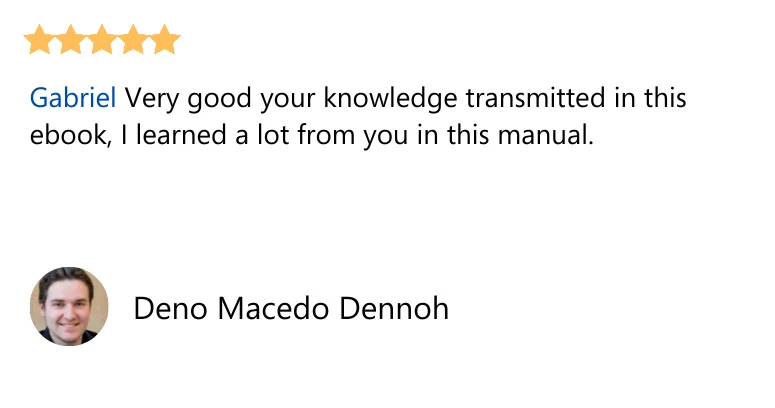
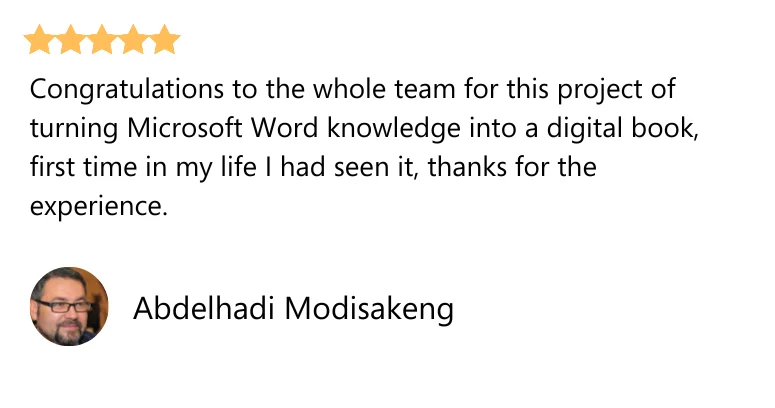
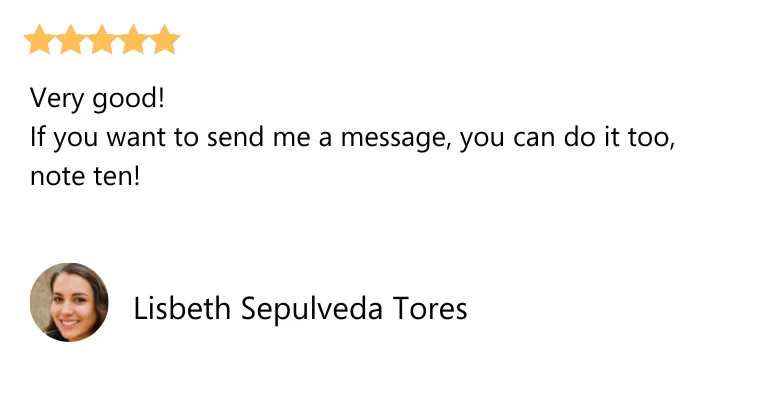
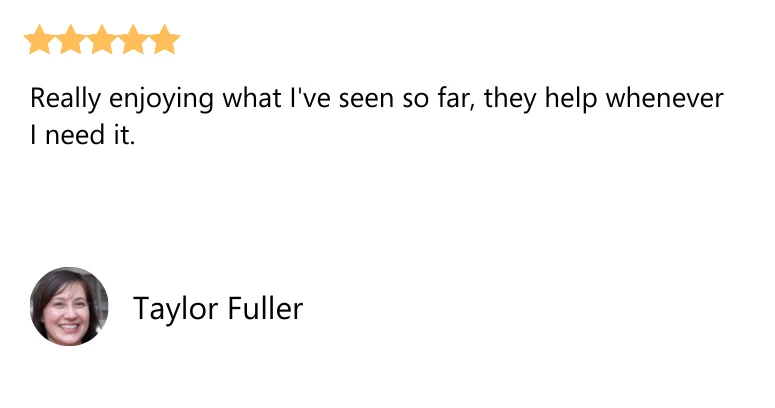
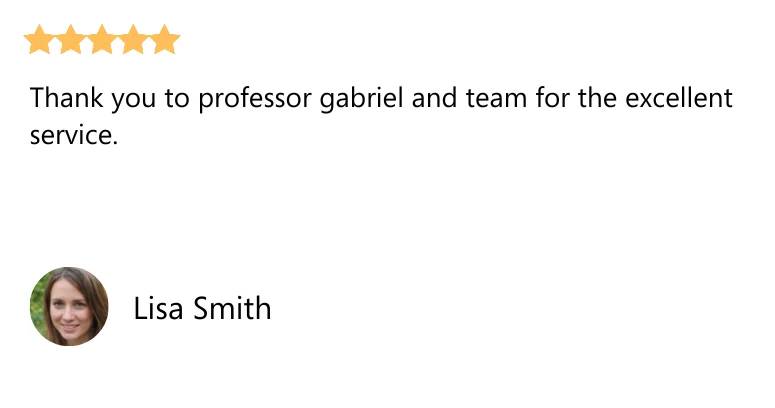
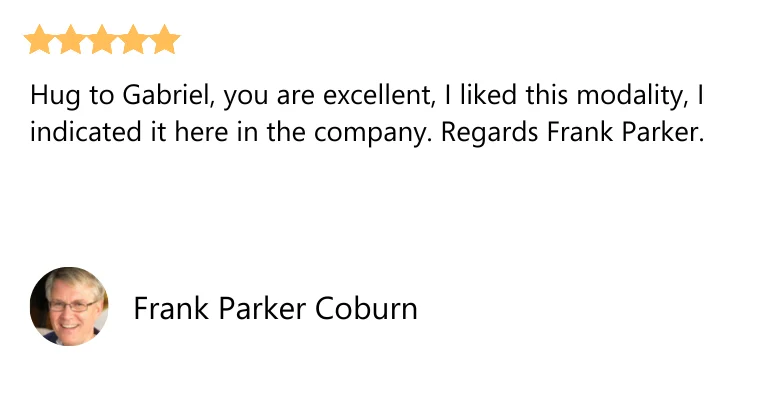
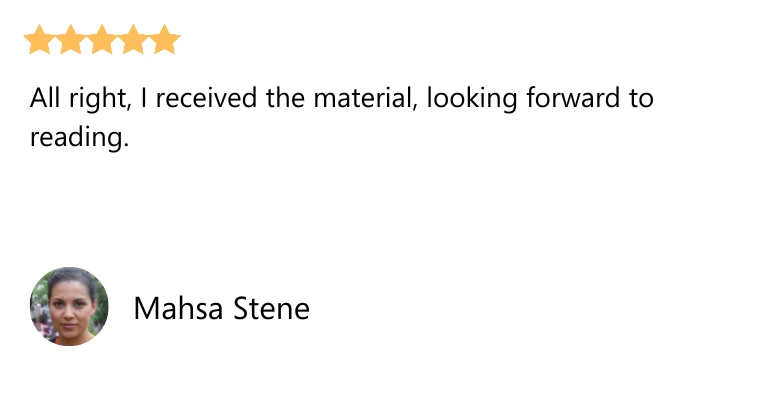
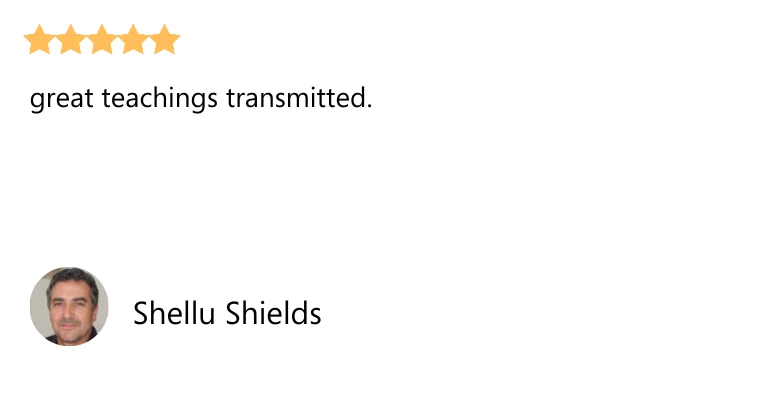

You will receive the complete map to master Word and become a professional desired by all companies...
You have probably already noticed that several administrative segments use a text editing program to carry out their work and projects. The best known, and perhaps the most complete of them, is Microsoft Word. Many professionals still doubt the importance of using Word at work. Microsoft software allows the user to create documents and change font, color, margin, among many other features.
What will I learn from the Word Bible?
MODULE 00
The Beginning of Your Jordana
> Class 01: Archive
> Class 02: Protecting with Password
> Class 03: Creating, Saving, Closing and Opening a File
> Class 04: Print Configuration
> Class 05: Automatic Correction of Spelling Errors
> Class 06: Languages
> Class 07: Background and Themes
> Class 08: Spelling
> Class 09: View, Manage and Install Add-ins in Office Programs
> Class 10: Creating Business Cards
> Class 11: Conclusion
MODULE 01
Home Page
> Class 12: Introduction
> Class 13: Work Area
> Class 14: Clipboard
> Class 15: Copy
> Class 16: Necklace
> Class 17: Cut
> Class 18: Formatting Brush
> Class 19: Source
> Class 20: Configuration Source
> Class 21: Paragraph
> Class 22: Styles
> Class 23: Find, Replace and Select
> Class 24: Dictating
> Class 25: Conclusion
MODULE 02
Insert
> Class 26: Introduction
> Class 27: Cover Sheet
> Class 28: Blank Page
> Class 29: Page Break
> Class 30: Tables
> Class 31: Illustrations
> Class 32: Supplements
> Class 33: Media
> Class 34: Links
> Class 35: Comments
> Class 36: Header and Footer
> Class 37: Text
> Class 38: Symbols
> Class 39: Conclusion
MODULE 03
Design
> Class 40: Introduction
> Class 41: Themes
> Class 42: Document Formatting
> Class 43: Colors
> Class 44: Sources
> Class 45: Spacing between Paragraphs
> Class 46: Effects
> Class 47: Set as Default
> Class 48: Watermark
> Class 49: Page Color
> Class 50: Page Borders
> Class 51: Conclusion
MODULE 04
Layout
> Class 52: Introduction
> Class 53: Page Setup
> Class 54: Paragraph
> Class 55: Organizing
> Class 56: Conclusion
MODULE 05
Developer
> Class 57: Enabling the Developer Menu
> Class 58: Code
> Class 59: Supplements
> Class 60: Controls
> Class 61: Mapping
> Class 62: Protect
> Class 63: Models
> Class 64: Conclusion
MODULE 06
References
> Class 65: Introduction
> Class 66: Summary
> Class 67: Footnotes
> Class 68: Search
> Class 69: Quotes and Biography
> Class 70: Subtitles
> Class 71: Table of Contents
> Class 72: Conclusion
MODULE 07
Correspondence
> Class 73: Introduction
> Class 74: Working with Create Actions
> Class 75: Direct Mail
> Class 76: Conclusion
MODULE 08
Revision
> Class 77: Introduction
> Class 78: Proofreading
> Class 79: Accessibility
> Class 80: Language
> Class 81: Comments
> Class 82: Control
> Class 83: Compare
> Class 84: Protect
> Class 85: Hide Ink
> Class 86: Conclusion
MODULE 09
Display
> Class 87: Introduction
> Class 88: Display Modes
> Class 89: Advanced
> Class 90: Moving Pages
> Class 91: Show
> Class 92: Zoom
> Class 93: Window
> Class 94: Macros
> Class 95: Sharepoint
> Class 96: Conclusion
MODULE 10
Help
> Class 97: Introduction
> Class 98: Conclusion
MODULE 11
Advanced Learning
> Class 99: Share
> Class 100: Tell Me What You Need
> Class 101: Undo, Redo or Repeat an Action
> Class 102: Moving Text on the Keyboard
> Class 103: Selecting Texts
> Class 104: Tabulations
> Class 105: Hot Keys
> Class 106: Control Formatting When Pasting Text
> Class 107: Maslow's Pyramid
> Class 108: Creating a Memo
> Class 109: Creating a Resume
> Class 110: Creating a Website
> Class 111: Integrating Excel with Word
> Class 112: Conclusion
If you've scrolled this far, we have
a
surprise in store for you !
BONUS 1
EXCLUSIVE GROUP FOR STUDENTS
I know how hard it is to start alone, without having anyone by your side to help you and tell you that you are really on the right path. And so, to solve this problem, you will have access to a VIP group on Whatsapp only with Word Bible students.
$14,84
BONUS 2
SYLLABUS
You will receive a free study schedule with all the step-by-step instructions for faster results, mastering Wor in just 4 weeks.
$6,00
BONUS 3
PROFESSIONAL CURRICULUM VITAE OF
Did you know that nowadays the selective processes of companies are evaluated by artificial intelligence? You may have been eliminated from your dream job just for entering your details wrong.
$9,00
Want to start in the administrative sector, but don't know where to start
Review everything you will take today!
- Word Bible
- Basic Word
- Intermediate Word
- Advanced Word
- Exclusive Group for Students
- Syllabus
- Professional Curriculum Vitae
- Fully Updated Material
- Support and support group
- Exclusive Bonuses
- Lifetime Access
- 7 Days Satisfaction Guarantee
In: $57,00
By: $37,00
NOTICE: Next month the price of the Word Bible will be readjusted. So I’m going to be honest with you, this price that we’re offering now is the lowest in history, and if you don’t buy it now, you’re going to pay a much higher price later.

The word bible Guarantee
If in the first 7 days of your purchase your course doesn't address your learning and growth needs, we'll refund you in full!

Meet Gabriel Venturini
By Gabriel Venturini
Hi, I’m Gabriel Venturini , with more than 10 years of experience in Microsoft Word , I have a degree in Administration and a specialization in Strategic Management and Business Innovation, and I will be your teacher on this learning journey with Word, from basic to advanced .
After failing and having several disappointments with online courses on Word, I developed a unique method to learn Word from scratch that is practically fail-safe and with it I’ve been changing the lives of many people.
Through this method I have already transformed the lives of more than 5 thousand people (most of them completely newbies)…
Today, with several courses and extensive experience with this wonderful program, I can assure you that Word, after this course, will never be complicated for you.
Frequently Asked Questions
If your question is not in the FAQ, talk to us!
The E-book is in PDF. If payment is by bank slip, payment may take up to 48 hours, after which you will receive an automatic email with your login and e-book access data.
If the payment is by card, you will receive the access data in your email in a matter of minutes!
YES, if you wish, you can print it and turn it into a booklet, it is very cheap at a stationery store and it looks beautiful, easy to use for studying and practicing what you learned from the classes.
If you apply it the way I teach step by step and make it happen, it’s practically impossible not to give results, the method has already been tested and validated by more than 5,800 students.
I am fully convinced that it will work for you, it is very simple, just do what I am going to show you (even with little time to practice) and you will have results!
If you apply, you can’t go wrong! you will learn!
Certainly! The E-book was designed and made exclusively for you who know absolutely nothing about Word. Even for those who have never opened a Word. You will learn everything from scratch step by step in a simple and practical way.
Yes, if you wish to cancel, you have up to 7 calendar days after the date of purchase of the course to request a refund and the total amount invested .
PIRACY IS A CRIME
The sale of the Word Bible can only be carried out through this website, or by affiliates/sellers. Any other site where you find this program is a FAKE and is against the law. Avoid fakes and refuse illegal or pirated content. DO NOT purchase similar programs that are not based on years of studying behavioral psychology. We are not responsible for purchases made on other sites.
This website is not affiliated with Facebook or any Facebook entity. Once you leave Facebook, it’s not their responsibility, it’s our website’s responsibility. We make every effort to clearly state and show all product evidence and use real results.